Multi-track timeline
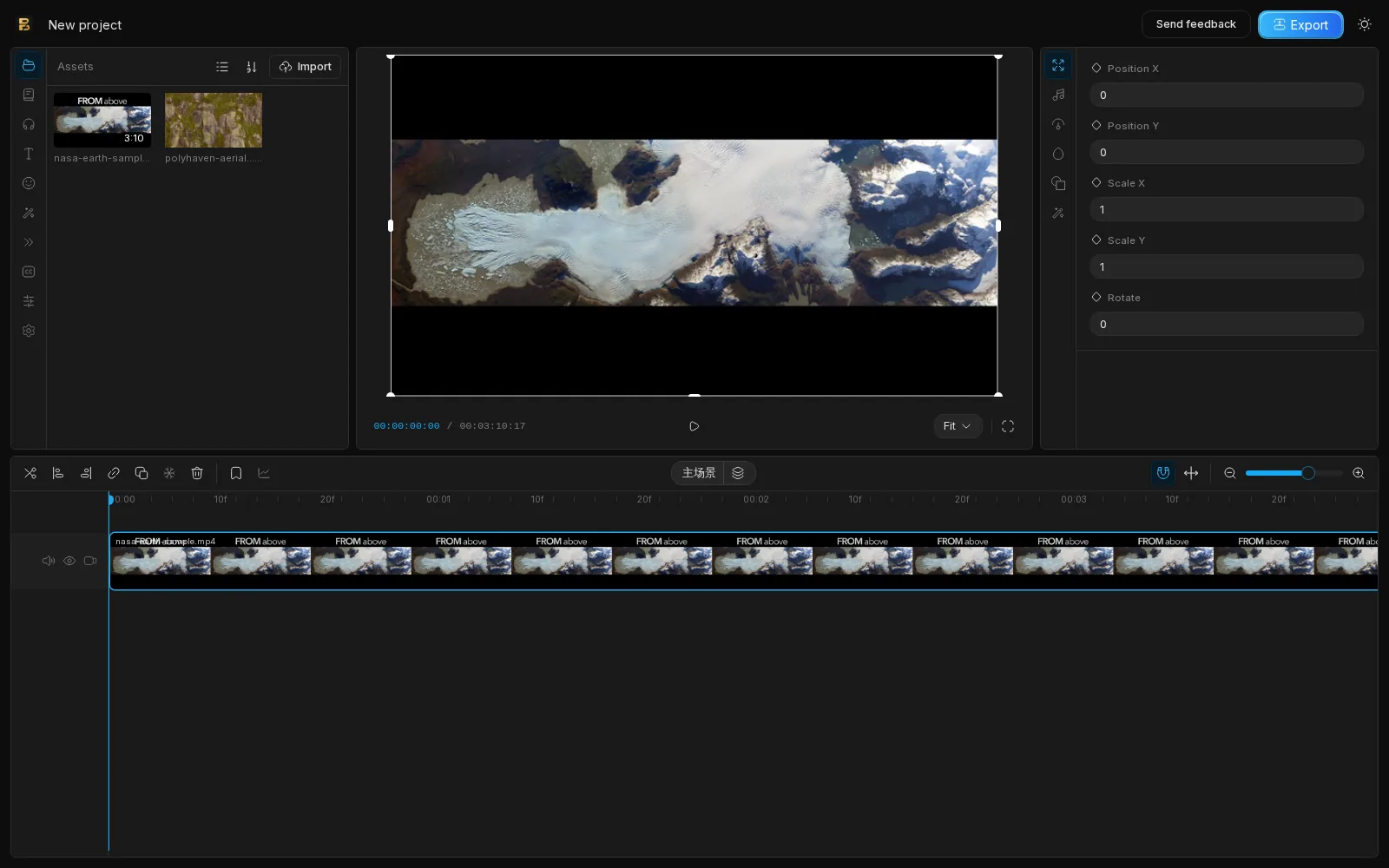
Split, trim, move and snap clips on a multi-track timeline, with keyframes for animation.

 English (UK)
 العربية
 አማርኛ
አማርኛ Български
 বাংলা
বাংলা Català
 Čeština
 Dansk
Dansk Deutsch
 Ελληνικά
 English
 English (Australia)English (UK)English (US)
 Español
 Español (Latinoamérica)
 Eesti
Eesti فارسی
فارسی Suomi
Suomi Filipino
 Français
 ગુજરાતી
 עבריתहिन्दी
 Hrvatski
 Magyar
 Bahasa Indonesia
 Italiano
 日本語ಕನ್ನಡ
 한국어
한국어 Lietuvių
 Latviešuമലയാളംमराठी
 Bahasa Melayu
 Nederlands
 Norsk
Norsk Polski
 Português (Brasil)
 Português (Portugal)
 Română
 Русский
 Slovenčina
 Slovenščina
 Српски
 Svenska
 Kiswahiliதமிழ்తెలుగు
 ไทย
ไทย Türkçe
 Українська
 Tiếng Việt
 简体中文
简体中文 繁體中文
繁體中文Chrome extension + web app
Record your screen, cut on a multi-track timeline, add captions and effects, and export MP4. No heavy desktop software to install.
Free plan available. Pro from $4.92 per month, billed yearly.
Features
A focused set of tools for tutorials, demos, social clips and quick edits.
Split, trim, move and snap clips on a multi-track timeline, with keyframes for animation.
Add smooth transitions between clips and adjust their duration.
Apply color filters and visual effects and see the result live in the preview.
Generate captions from speech, then edit the text and style on the timeline.
Record a browser tab or your screen with the Chrome extension and drop it straight into a project.
Fonts, stickers, sound effects, images and video. Every item shows its license and attribution.
Export standard MP4 files that play on every device and platform.
Editing and export run locally in your browser. Your media is not uploaded to our servers.
Arrange video, audio, text and stickers on separate tracks. Trim precisely, snap to edges and keep everything in sync.

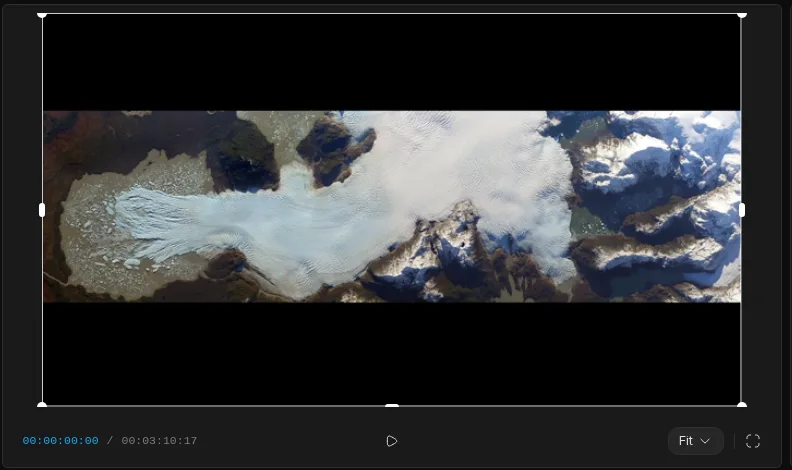
The preview updates as you edit. Adjust position, scale and rotation from the properties panel.
Import videos, photos and audio from your computer, or record a tab or your screen with the extension.
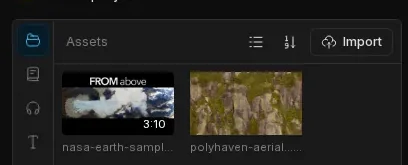
Capture a tab or your screen, or import files you already have.
Cut on the timeline, add captions, transitions, filters and assets.
Download an H.264 MP4: up to 720p on Free, up to 1080p on Pro.
BriskClip processes your media locally in the browser. Projects are stored on your device, and payments are handled by Stripe, so we never see your full card number.
Pricing
Start for free. Upgrade when you need 1080p, no watermark and premium assets.
$0
Free forever
$7.99 / month
Billed monthly. Cancel anytime. or $59 per year (save 38%)
$59 / year
$59 billed yearly (about $4.92 per month)
Prices are in US dollars. Sales tax or VAT may be added at checkout depending on your location. Subscriptions renew automatically until cancelled.
BriskClip is a lightweight video editor that runs in your browser. It is available as a web app and as a Chrome extension that adds screen and tab recording.
No desktop software is needed. You use the web app in a modern browser. The Chrome extension is optional and is only needed for recording.
No. Editing and export run locally in your browser, and your projects are stored on your device. Your media is not uploaded to our servers.
Free exports up to 720p with a watermark and includes 10 asset downloads per day. Pro exports up to 1080p without a watermark, unlocks premium assets and includes 200 asset downloads per day.
Pro costs $7.99 per month, or $59 per year, which is about $4.92 per month.
Yes. Cancel from the billing portal at any time. You keep Pro until the end of the period you already paid for.
Yes. You can get a full refund within 7 days of your first payment. EU and UK customers also have a 14-day right of withdrawal. See the Refund and Cancellation Policy for details.
Payments are processed securely by Stripe. We never see or store your full card number.
BriskClip is developed and operated by an individual developer. You can reach us by email at ma1466155432@gmail.com.

Begin on the Free plan and upgrade to Pro only when you need it.